> ## Documentation Index
> Fetch the complete documentation index at: https://publisher-docs.thrads.ai/llms.txt
> Use this file to discover all available pages before exploring further.
# Getting Started
> Getting started with the Thrads API
View the OpenAPI specification file
## Quickstart
1. To get started go on the [Thrads Platform](https://platform.thrads.ai) and create an account as a **developer**.
Currently the platform is open only to trusted partners so we will take 24h to review your application. Check back to the platform in 24 hours
to get access and create your API key.
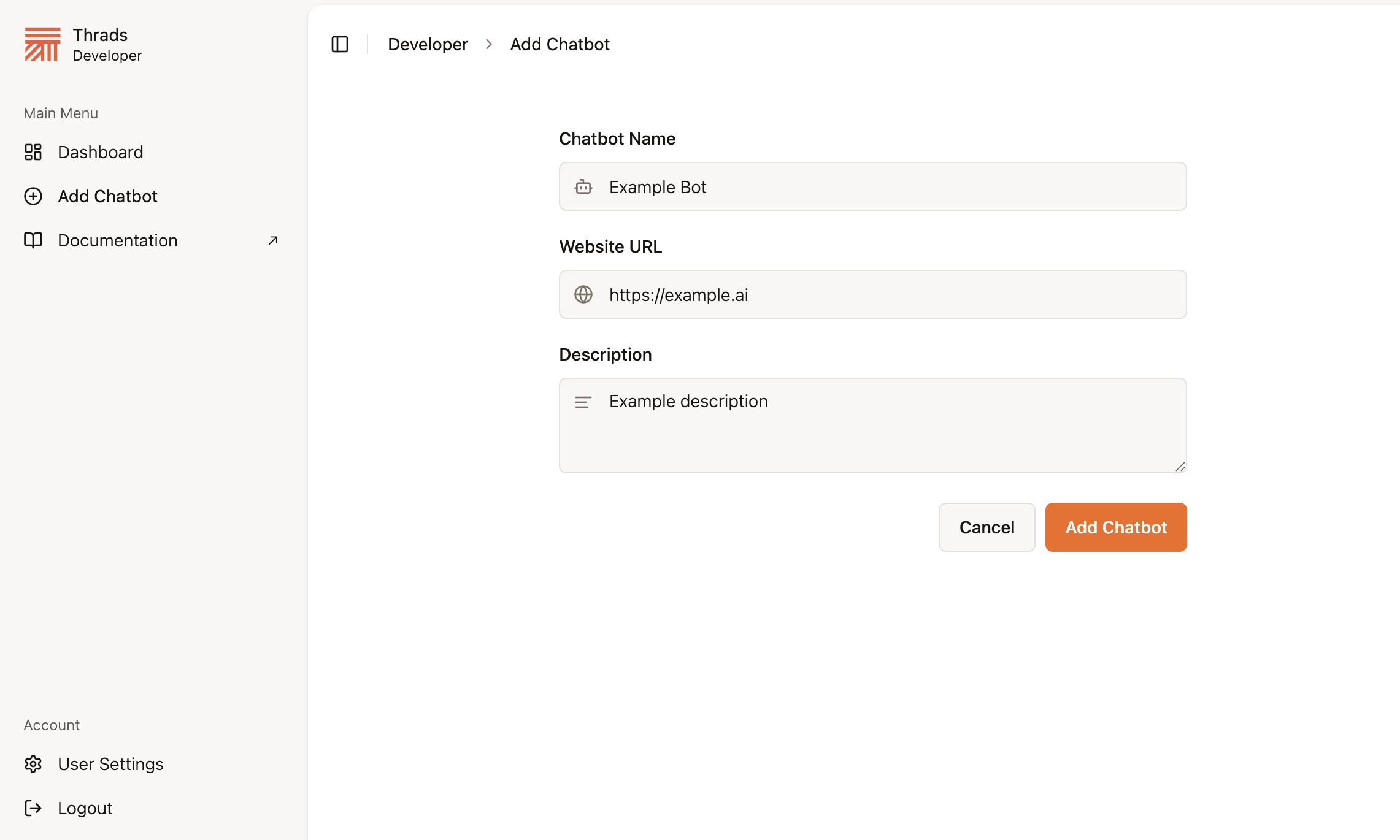
2. Once your account is created, you will be able to create your chatbot instance and obtain your API KEY.
 ```
```
```
```